Moving To The Cloud Without Disrupting The Business
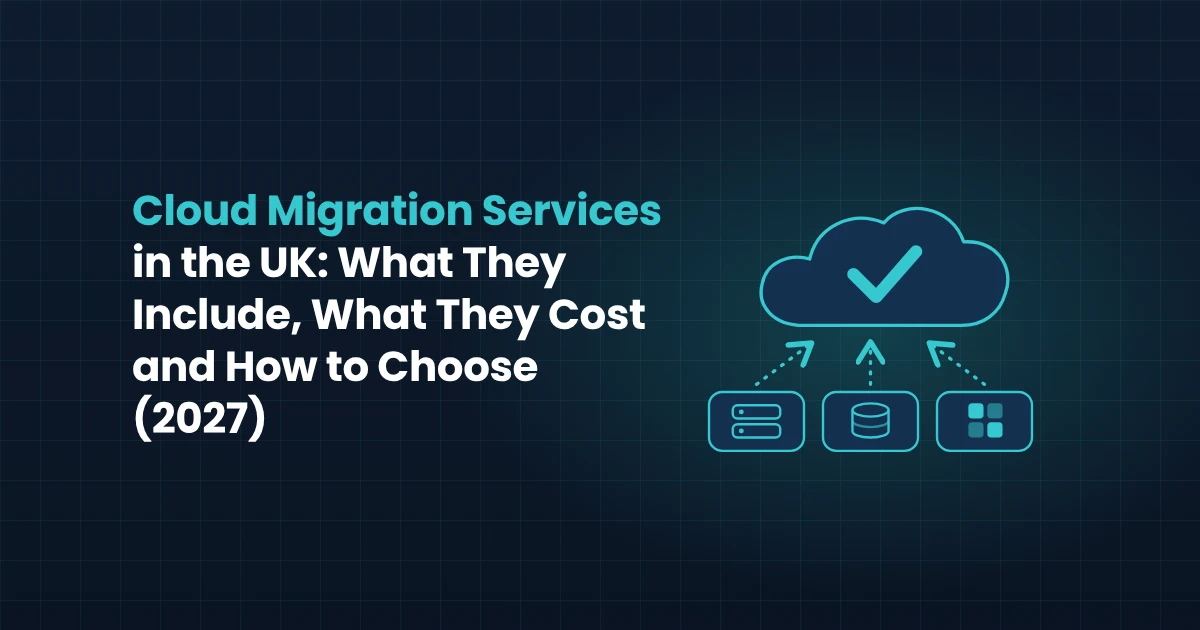
Cloud migration services help a UK business move its applications, data and infrastructure from on-premises servers, or from one cloud to another, onto a platform such as AWS, Microsoft Azure or Google Cloud. A good provider plans the move around your operations, so staff keep working, data stays protected and costs are clear before anything is switched over. This guide explains what those services include, the main migration strategies, what drives cost and timeline, and how to choose a UK provider you can rely on.
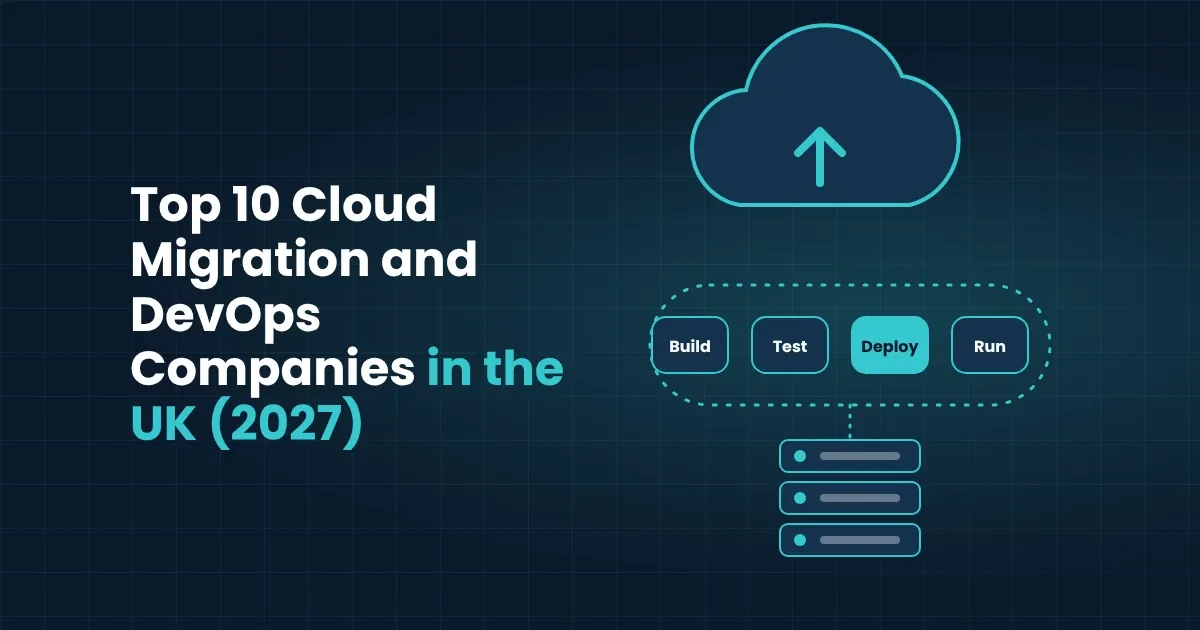
Genius Logix is a software company based in Romford, east London, working with manufacturers, startups and small and medium businesses across the UK. If you want a ranked comparison of firms, see our Top 10 Cloud Migration and DevOps Companies in the UK. This guide covers how the service itself works.
What Cloud Migration Services Include
A migration is more than copying servers into a data centre you do not own. A complete service usually covers these stages of work:
- Discovery and assessment. Taking an inventory of applications, databases, integrations and users, and recording how each one is used, how critical it is and what it depends on.
- Strategy and architecture. Choosing the target platform and design, including networking, identity, backup and the balance between cost and performance.
- Application and data migration. Moving workloads in planned waves, with the data validated at each step so nothing is lost or corrupted on the way.
- Integration. Reconnecting the migrated systems to the tools that stayed behind, such as an ERP, CRM or reporting platform, so processes keep running end to end.
- Security and compliance setup. Configuring access controls, encryption, logging and data-location settings in line with UK GDPR and any standards your customers expect.
- DevOps and automation. Building repeatable deployments, monitoring and alerting so the new environment is easier to run than the old one.
- Managed operation after go-live. Ongoing monitoring, patching, cost review and support, so the environment does not drift or overspend once the project team leaves.
Providers differ in how much of this they handle themselves. Some only do the technical move and hand over a finished environment, while others stay on to run it. Knowing which you need before you ask for quotes makes proposals much easier to compare.
The Main Migration Strategies And When Each Fits
Not every application should be moved the same way. Most providers choose between six approaches, often called the "6 Rs", and a typical migration uses several of them at once:
| Strategy | What it means | Best when |
|---|---|---|
| Rehost ("lift and shift") | Move the application to the cloud with minimal changes | You need to leave a data centre quickly, or the application is stable and rarely changes |
| Replatform | Move with small changes, such as using a managed database | You want some cloud benefits without rewriting the application |
| Refactor | Redesign the application to use cloud-native services | The application is strategic and needs to scale or change often |
| Repurchase | Replace it with a SaaS product | A standard product now does the job better than custom software |
| Retire | Switch off applications nobody needs any more | Discovery shows duplicated or unused systems |
| Retain | Leave it where it is for now | The cost or risk of moving outweighs the benefit, or it is due for replacement soon |
The right mix comes from the assessment, not from a template. Older applications that are hard to change often start with rehost or replatform and are improved afterwards, which fits well with the staged approach in our guide to legacy software development and support in the UK.
A Step-By-Step Migration Process With Minimal Downtime
The safest migrations are boring ones: every step is planned, tested and reversible. A typical sequence looks like this:
- Assess and prioritise. List every workload, rate it by business importance and complexity, and agree which ones move first. Low-risk systems usually go first so the team can learn on something forgiving.
- Design the target environment. Set up the cloud foundation: accounts, networking, identity, security controls, backups and cost tagging, before any real workload arrives.
- Run a pilot. Migrate one non-critical workload end to end, then check performance, security and cost against what was predicted.
- Migrate in waves. Move groups of related applications together, testing each with real data and keeping the old system available as a fallback until the new one is proven.
- Cut over at a quiet time. Plan the switch-over for a low-activity window, with a clear rollback plan and named people on both sides.
- Optimise and hand over. After go-live, review usage and spending, right-size resources, and document how the environment works so your team is not dependent on the project team.
Keeping the old environment running in parallel for a short period costs a little more, but it is the main reason well-run migrations feel uneventful.
What Affects The Cost And Timeline Of A Migration
Cloud migration costs vary widely because no two estates look alike, so be wary of any provider who quotes a fixed price before looking at your systems. The factors that move the price and the schedule most are:
- Number and complexity of workloads. Ten simple web applications are a very different job from a customised ERP with many integrations.
- Migration strategy. A rehost is usually quicker and cheaper up front than a refactor, though a refactor can reduce running costs later.
- Data volume and quality. Large or messy datasets take longer to clean, move and validate.
- Integrations and dependencies. Every connection to another system adds testing, and hidden dependencies are the most common cause of delays.
- Compliance requirements. Regulated data, audit trails and data-location rules add design and documentation work.
- Downtime tolerance. Moving a system that can stop overnight is simpler than moving one that must stay online around the clock.
- Support after go-live. Managed operation is a separate ongoing cost, but it is often cheaper than fixing an unmonitored environment later.
The cloud bill itself also needs planning. Resources that are left running, oversized or untagged are the usual reasons cloud costs rise above the forecast, so ask any provider how they will track and review spending after migration, not only during it.
Timelines depend on the same factors. A small, well-understood environment can move in weeks, while a larger estate with many dependencies is better planned as a programme of several months, delivered in waves. Ask for a written plan with milestones, so you can see what happens when and who is responsible for each stage.
Security, Compliance and Data Protection
Moving to the cloud does not remove your security responsibilities. It shares them. Cloud providers secure their own infrastructure, but you remain responsible for how your data, accounts and applications are configured. The UK National Cyber Security Centre explains this split in its cloud security guidance, which also covers choosing a provider and using cloud services securely.
For most UK businesses, a migration plan should address four points from the start:
- Access control. Use multi-factor authentication, give people only the access they need, and remove accounts promptly when staff leave.
- Data protection. Encrypt data in transit and at rest, and confirm where your data is stored and processed, because UK GDPR sets rules on personal data and international transfers.
- Backup and recovery. Keep tested backups that cannot be altered or deleted by an attacker, and agree how quickly you need systems restored.
- Logging and monitoring. Record who did what, and alert on unusual activity, so problems are spotted early and can be investigated afterwards.
If customers or regulators ask about standards such as Cyber Essentials or ISO 27001, a migration is a good moment to document your controls, because the environment is being rebuilt with security in mind rather than patched afterwards.
How To Choose A UK Cloud Migration Provider
When you compare providers, look past the logos on their website and ask questions that reveal how they actually work:
- Do they start with an assessment? A provider that quotes before understanding your systems is guessing.
- Which platforms do they work with? A team experienced in AWS, Azure and Google Cloud can recommend the best fit instead of defaulting to the one it knows.
- How do they handle downtime and rollback? Ask for a plan that explains what happens if a cutover goes wrong.
- Do they cover security and compliance? It should be part of the design, not an extra at the end.
- Who runs it afterwards? Decide whether you want a handover, ongoing managed support, or both.
- Can you talk to a real team? Ask who would work on your project, where they are based and how often you will hear from them.
- How do they avoid lock-in? Open standards, clear documentation and infrastructure defined as code keep you free to change supplier later.
How Genius Logix works
Genius Logix is based in Romford, east London, and helps manufacturers, startups and small and medium businesses move to the cloud. We work with the major platforms, AWS, Azure and Google Cloud, and keep migration, DevOps, security and ongoing support under one team, so the people who plan your move are the same people who look after it afterwards. We favour open-source tools to avoid vendor lock-in, and we can integrate migrated systems with your ERP, CRM and reporting tools. Engagements start with a free consultation and a clear written proposal, so you know the scope and approach before any work begins.
How to Start Your Cloud Migration
Start with a short assessment of what you run today and what you want the cloud to do for you. Common goals include lower running costs, better resilience, easier remote access and a way out of ageing hardware. Write down your current systems, how critical each one is and your top two or three goals. That one-page brief lets you compare strategies, costs and providers on equal terms, because every proposal can be measured against the same requirements.