Legacy Software Does Not Have To Mean A Risky Rewrite
If your business runs on software that is ten, fifteen or twenty years old, you do not have to choose between a risky rewrite and doing nothing. Legacy software development and support means keeping older systems running safely, improving them in small steps, and replacing only the parts that genuinely need it. This guide explains what that work involves, how to decide whether to support, modernise or replace a system, and how to choose a UK partner who will not disrupt your day-to-day operations.
Genius Logix is a software company based in Romford, east London, working with manufacturers, startups and small and medium businesses across the UK. The advice below reflects how we approach older systems with our own clients.
What Legacy Software Development And Support Covers
Legacy software is any application your business still depends on that is hard to change, hard to hire for, or no longer supported by the people who built it. That might be an in-house ordering system written in an older language, an ERP that has been customised for years, or a desktop application nobody dares to update. Legacy support and development usually covers six kinds of work:
- Ongoing support and maintenance. Fixing bugs, applying security patches, monitoring performance and keeping the system available during working hours.
- Small feature development. Adding reports, fields, screens or workflows to an existing system without rebuilding it.
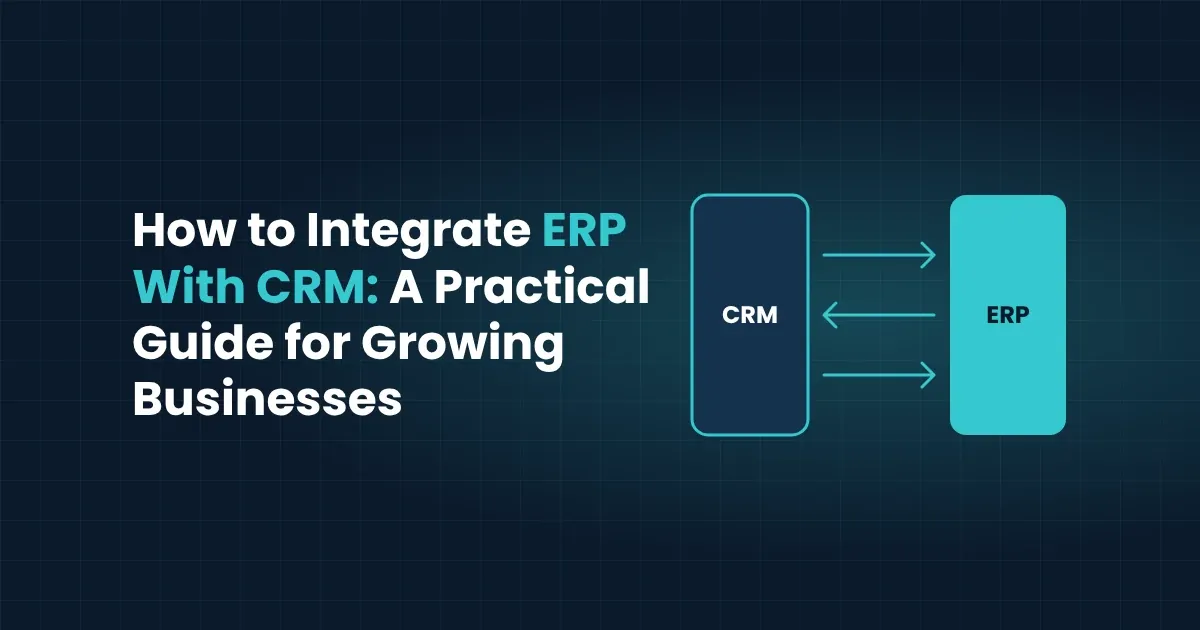
- Integration. Connecting the old system to newer tools such as a CRM, an accounting package, a customer portal or a reporting dashboard, so data stops being re-keyed by hand. Our guide on how to integrate ERP with CRM shows how this works in practice.
- Data migration and clean-up. Moving records to a modern database, removing duplicates and fixing inconsistent formats before they cause problems elsewhere.
- Documentation and knowledge recovery. Writing down how the system actually behaves, because the original developers may have left and the manuals, if they exist, are often out of date.
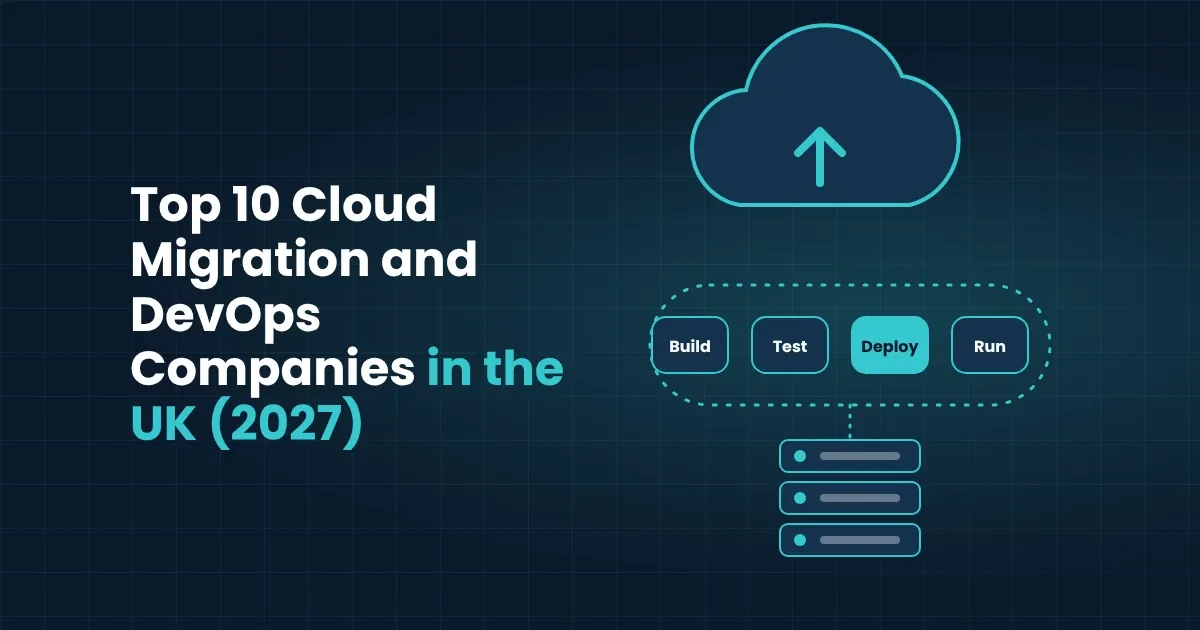
- Modernisation. Re-hosting the system in the cloud, restructuring its code, or rebuilding parts of it on a current technology stack, one piece at a time.
Most businesses need a mix of these, which is why a single team that can both support and develop the system is usually easier to work with than separate suppliers.
Signs Your Legacy System Needs Attention
An old system is not automatically a problem. It becomes one when the cost of leaving it alone starts to exceed the cost of fixing it. These are the signs we see most often:
- Only one or two people understand it. If the system stops working when a particular person is on holiday, your business is carrying key-person risk.
- Simple changes take weeks. When adding a field or a report is a major project, the code has usually become too tangled to change safely.
- It no longer talks to your other tools. Staff copy data between spreadsheets and screens because the system cannot connect to anything modern.
- The platform is out of vendor support. Operating systems, databases or frameworks that no longer receive security updates leave the system exposed.
- Downtime and slowdowns are becoming routine. Occasional failures that used to be rare start to happen weekly, and each one costs staff time.
- Auditors or customers are asking questions. Security questionnaires, GDPR obligations and supplier checks are harder to answer when the system is poorly documented and unpatched.
If two or three of these sound familiar, it is worth getting an independent review before the problem forces an emergency decision.
Support, Modernise Or Replace: How To Decide
There are three realistic options for an ageing system, and the right one depends on how well the system still fits your business, not simply on how old it is.
| Option | Best when | Main risk |
|---|---|---|
| Keep and support | The system still does its job and mainly needs patching, monitoring and small changes | Costs rise slowly if the underlying platform is no longer supported |
| Modernise in stages | The business logic is sound but the technology, hosting or integrations are holding you back | Needs a clear plan so each stage delivers value on its own |
| Replace | The system no longer fits how you work, or the platform cannot be secured or supported | Highest cost and disruption, so data migration and staff training need careful planning |
For most small and medium businesses, staged modernisation is the safest middle path. You keep the parts that work, move the data and hosting to a supported platform, and replace individual modules over time instead of switching everything off on a single weekend. Our page on legacy system modernisation for UK businesses goes deeper on this route.
A useful test is to ask what would happen if the system were unavailable for a week. If the answer is that orders, production or payroll would stop, treat the system as business-critical and plan any change with a rollback option at every stage.
A Step-By-Step Approach With Minimal Disruption
The aim of any legacy project is to change the system while the business keeps running. A sensible sequence looks like this:
- Audit the current system. Map what the software does, who uses it, which other systems depend on it, and where the data lives. This is also when hidden risks, such as unsupported libraries or undocumented scheduled jobs, come to light.
- Agree priorities with the business. Rank problems by the cost they cause, not by how interesting they are technically. A slow monthly report may matter more than an elegant code clean-up.
- Stabilise first. Put backups, monitoring and security patching in place before changing anything, so you have a safe baseline and a way back.
- Modernise in small, releasable stages. Move one module, integration or data store at a time. Each stage should deliver a visible benefit and be tested with real data before the next begins.
- Migrate data carefully. Clean and validate records before they move, run the old and new systems side by side where possible, and reconcile the results before switching over.
- Train staff and hand over documentation. A modernised system only pays off if the people using it are confident, and if the next developer can pick it up without guesswork.
- Keep supporting it. Ongoing monitoring, patching and small improvements prevent the system from drifting back into legacy territory.
Working in stages also keeps the budget predictable. You can stop, review and re-prioritise after each release, rather than committing to a single large project with a fixed end date.
Security And Compliance For UK Businesses
Older systems are a common route for security incidents because they often run on unpatched components, which the NCSC calls obsolete products, and their access controls were designed for a different era.
A good legacy partner treats security as part of the support work, not an add-on. That means reviewing who has access to the system, removing accounts that are no longer needed, encrypting data in transit and at rest where the platform allows it, and keeping a record of every change. It also means being honest when a component cannot be secured and should be isolated, upgraded or replaced.
If your customers or regulators ask for evidence of your controls, written documentation of the system, its data flows and its patching routine makes those conversations far easier. Support and compliance work well together because the same audit that finds technical risk usually produces the paperwork you need.
How To Choose A UK Legacy Software Partner
Legacy work rewards patience and clear communication more than flashy credentials. When you compare suppliers, ask these questions:
- Have they worked on older systems before? Ask for examples of taking over software they did not write, and how they learned it.
- Can they both support and develop? A team that handles day-to-day support and also builds improvements avoids hand-offs between suppliers.
- How do they reduce lock-in? Open-source tools and clear documentation mean you are never dependent on one company to keep the system running.
- How will they limit disruption? Look for staged releases, side-by-side testing and a rollback plan.
- Can you meet them? For business-critical systems, many UK companies prefer a team they can sit down with, not only a ticketing portal.
- Is the first step low-risk? A free consultation followed by a written proposal lets you judge their thinking before you commit.
How Genius Logix Works
Genius Logix is based in Romford, east London, and works with manufacturers, startups and small and medium businesses. We keep build, migration and support under one team, so the people who modernise a system are the same people who look after it afterwards. We favour open-source tools to avoid vendor lock-in, and our work covers ERP integration, custom software, cloud migration, data work and managed security. Engagements start with a free consultation and a clear proposal, so you know the scope and approach before any work begins.
Next Steps
Legacy software is a business decision as much as a technical one. Start by finding out what you have, how much risk it carries, and which small improvements would make the biggest difference. From there, supporting, modernising in stages or replacing becomes a practical choice rather than a leap of faith.